.%20The%20128px%20store%20icon%20wraps%20this%20in%2016px%20transparent%20padding.%20--%3e%3crect%20x='2'%20y='2'%20width='92'%20height='92'%20rx='20'%20fill='%230d1117'%20stroke='%2330363d'%20stroke-width='4'/%3e%3crect%20x='15'%20y='18'%20width='62'%20height='48'%20rx='7'%20fill='%23161b22'%20stroke='%23f0f6fc'%20stroke-width='6'/%3e%3cpath%20d='M18%2063%20L35%2043%20L46%2054%20L56%2044%20L74%2063%20Z'%20fill='%233fb950'/%3e%3ccircle%20cx='59'%20cy='31'%20r='6'%20fill='%23d29922'/%3e%3ccircle%20cx='64'%20cy='64'%20r='13'%20fill='%230d1117'%20stroke='%2358a6ff'%20stroke-width='6'/%3e%3cpath%20d='M73.5%2073.5%20L81%2081'%20stroke='%2358a6ff'%20stroke-width='8'%20stroke-linecap='round'/%3e%3c/svg%3e)
We waited years for GitHub to preview screenshots.
So we built it ourselves.
Every image in a pull request opens in a new tab. Ten screenshots, ten tabs, zero idea which PR they came from. This extension opens them right on the page. You’re welcome.
Not affiliated with GitHub.
Just impatient.
Chrome: readyBrave: readyOpera: soonSafari: soon
Pick your reviewing style
- No new tabs
- Works in private repos
- PR number above every screenshot
- Zoom to 100% with one click
- ← → to flip through images
- Press D to download
- Esc and you are back
- Zero tracking
A brief history of waiting
- Feb 2023
Someone asks GitHub for a lightbox for images in PRs and issues. #47560
- Jun 2024
A bot marks the request “dormant”. Zero staff replies. See for yourself
- Feb 2026
Someone asks again. Images still open in a new tab. #186601
- Today
Fine. We built it ourselves.
Actual footage of a calm code reviewer

Click a screenshot in the PR
PR number and title stay on top
→ next screenshot
Click to zoom to 100%
D download, PR number in the file name
Esc back to the PR. Still one tab.
Don’t trust the footage? Try it.
This is the real extension code running on this page. Click a screenshot.
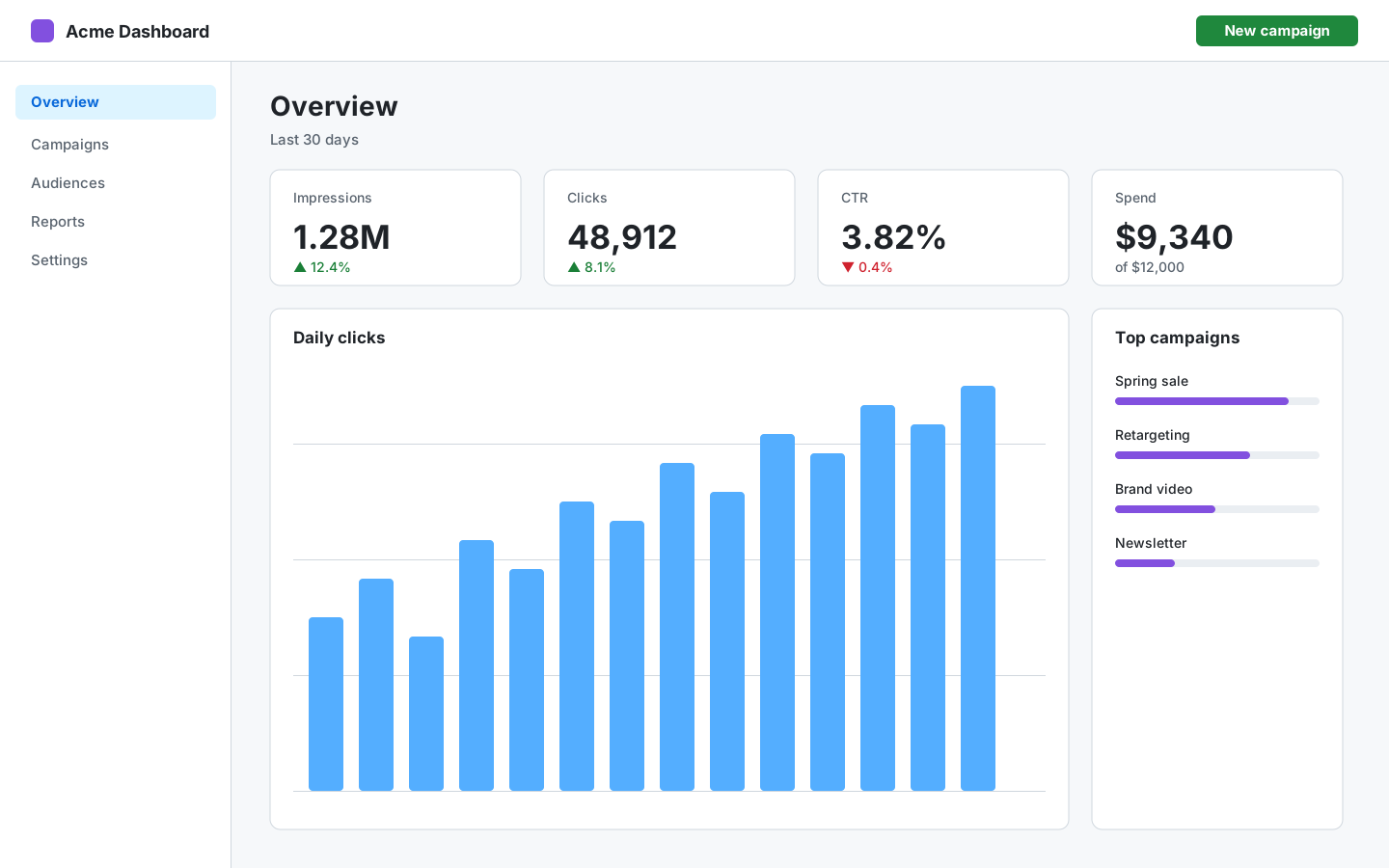
Adds the new overview dashboard and the budget step of the campaign wizard.
Screenshots click one 👇
← → flip · click to zoom · D download · Esc close
Dear GitHub, feel free to steal this.
Until then, it’s one click away.
Add to Chrome, it’s freeChrome: readyBrave: readyOpera: soonSafari: soon
Want to build super projects together?Say hi at wethefolks.eu